


NeverSink's LOOTFILTER v8.13.x♦ in-depth ♦ endgame+leveling 2in1 ♦ user-friendly ♦ SC/HC versions
" Well it's just the comment, so it's no big deal, I'll write it down for the 3.0 to-do-list. Thanks! How did you even notice it though? " You're doing something wrong. Try repeating the steps in the readme. " Don't worry, bother Eternal Orbs and Item Quantity gems are shown. " " Thanks! I'm glad you guys are enjoying it! Please don't PM me ingame with filter/guide questions, post them on the forum, after reading the FAQ.
|

|
|
I'm having a minor issue with the regular filter: I'm using an Animate Weapon build with a Jorrhast weapon, which automatically animetes weapons. I have the animate section enabled and a quite frustrating thing happened: a six socket weapon got animated before I could pick it up. I hope it wasn't a 6-link:)
Is there a way I can edit the filter so that 6 socket and 6-link weapons don't get animated? Thanks in advance! |

|
" No. This has nothing to do with the filter. The filter only modifies the local on-ground appearance of items, the weapon effect automatically server-side-searches for items in proximity. That means: Auto-casted animated weapons/animate guardian (Null's, Jorrhast, also CWC, totems...) do not care for your filter at all. It'll animate any items, even the hidden/unique ones, as long as they're identified, no matter if/what filter you're using. If you'll ever decide to play Null's / Totem AW - you basically can say goodbye to 20-30% of your 6S. Also 6Ls have a huge white background with red text/border in the filter, I'm pretty sure it was just a 6S. Please don't PM me ingame with filter/guide questions, post them on the forum, after reading the FAQ. Última edição por NeverSink#3349 em 8 de mai. de 2017 09:23:57
|
|
|
I was told highlighted weapons get animated only, this is new to me.
Thanks for this great filter and thanks for still supporting it. Your color scheme is the best. People told me Neversink's filter is not the best for animate weapon but when I tried those other filters my eyes started bleeding those colors were terrible. I don't even know what they meant with that maybe something about certain item levels not showing up for animate weapon, but I'm not having problems so far at lvl 70 Thank you! |
|
" After copying files to PoE in documents You should be able to choose what filter You want to use. If You see only defalut it means You did something wrong. |

|
|
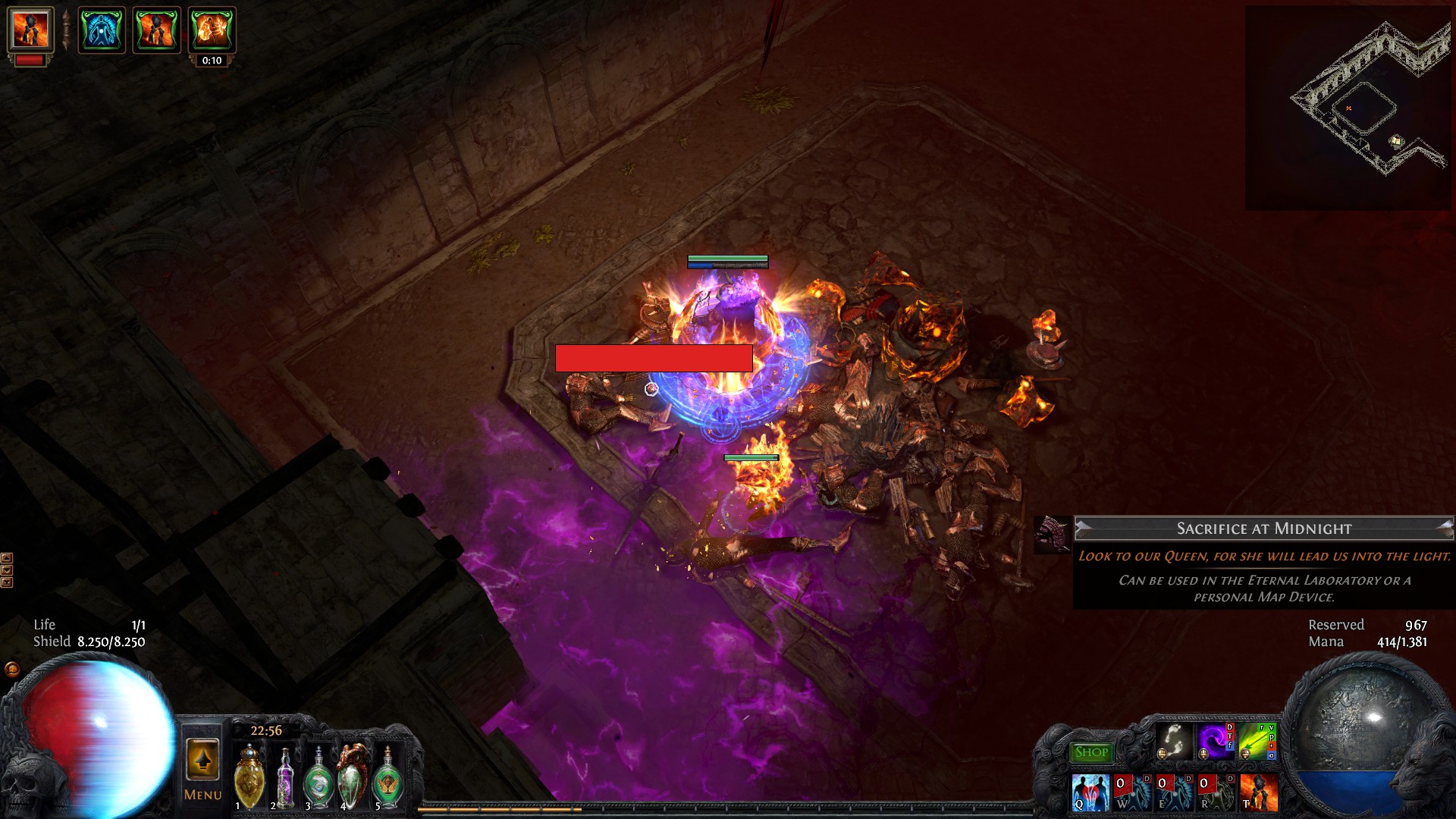
Hey, just wanted to drop this by, maybe its a bug in the lootfilter? I don't know, but maybe this info helps.
 |

|
|
I couldn't find an explanation why few of them seem to be thicker is there a spreadsheet or a visual guide what was is?
 |

|
" I noticed that while tested new themes' features of FilterBlast. It now has separate selectors for preset, color and sound theme and uses such comments as color/sound theme tags (similar to Filtration theme editor). This now allows to customize your filter with such combo like "Uber-Strict" preset + "Slick" color theme + "StreamSound" sound theme. Due that comment one breach item in preview wrongly appeared with white text, same as background. I temporarly fixed that comments in your filters' sources at Filterblast, so the proper fix can wait for your next update :) Life is short - deal with it Última edição por Dissolator#0628 em 12 de mai. de 2017 22:32:00
|

|
" i believe the battered helm is a better base than the rest of items on your sceen. or among the highest lvl base items that can drop where you are. |

|
|
Hi guys,
for some reason my 6-links don't show up as anything flashy ingame. In fact, they have the same sound/visual as 6-socket items. I can't figure out why this is the case :( Nevermind, figured it out :) Última edição por ClickHitBoom#6139 em 13 de mai. de 2017 09:34:15
|

|



